BEHIND THE SCENES | COLLECTIVE THOUGHT MEDIA | AUDRAIN MOTORSPORT BRAND VIDEO | LIME ROCK PARK, CT
Super car video shoot with $10 million in high performance sports cars.
In October of 2016 I was lucky enough to be contacted by a newly opened automotive museum in Newport, RI that was launching a new high performance motorsports division and needed a brand video. Something exciting, that captured the feeling of being on a race track and around these top-end speed machines. A few emails later and we had secured the project. With 12 days to go before production started, we began prepping for the shoot.
PRE-PRODUCTION
We met with the client a few times to go over creative direction, previous videos they’d created, and to review examples of what they considered to be the best video content in the motorsports world. There was a lot of Chris Harris on Cars watched, and we all agreed that cinematic style, use of slow motion and providing an immersive experience were key elements to focus on.
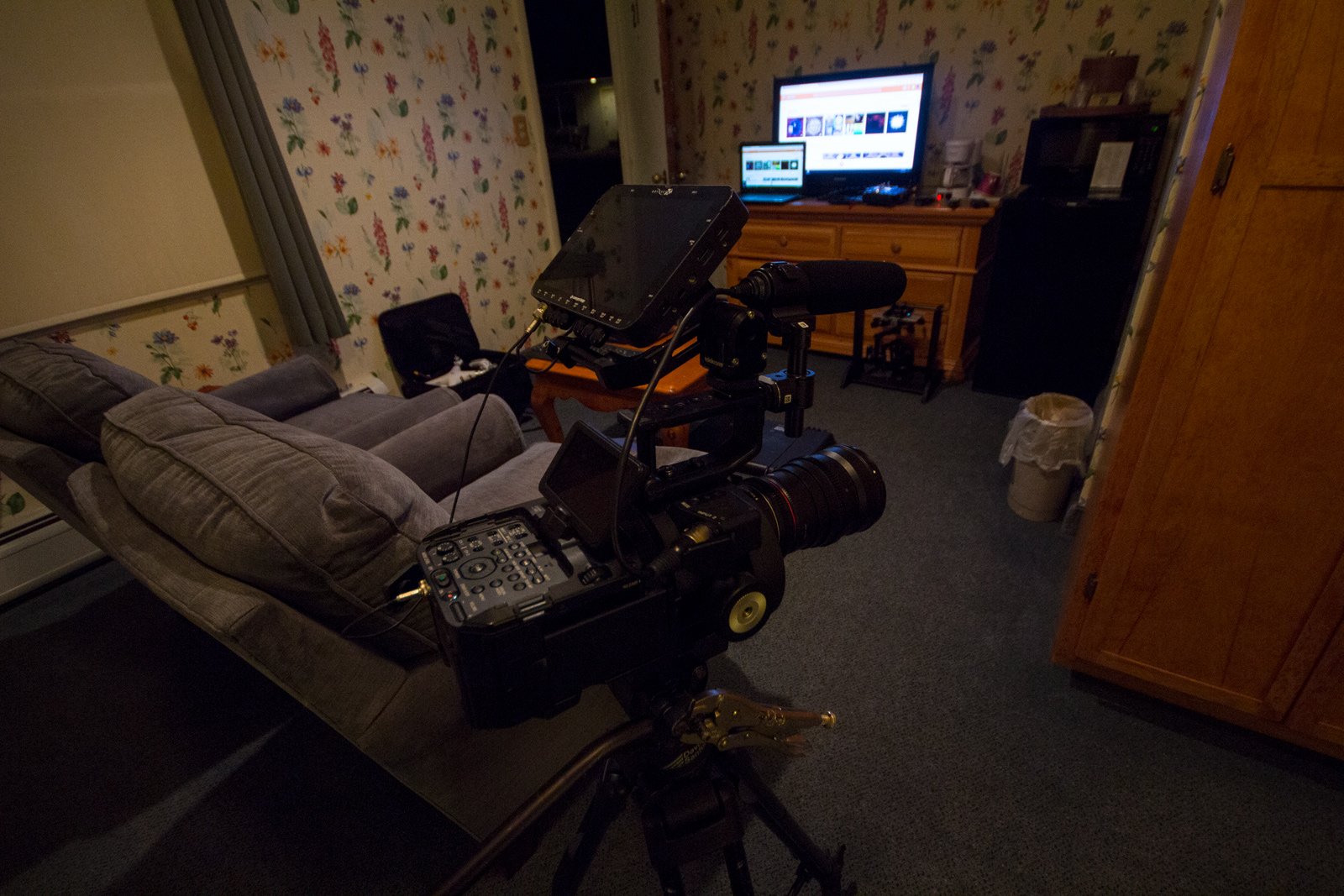
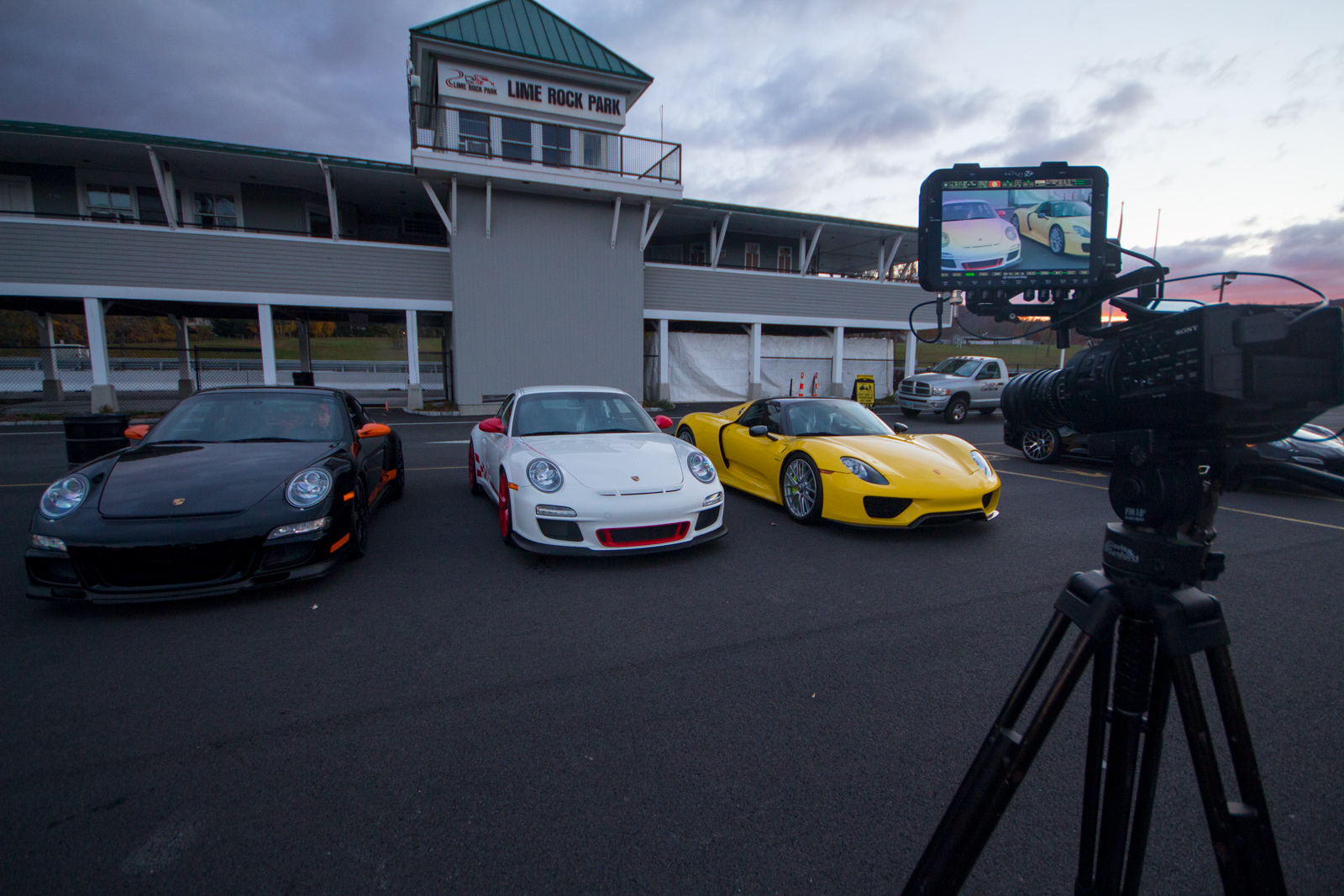
Once we confirmed the direction and style we needed to create, I started making a preliminary gear list. I had recently acquired an Odyssey 7Q+, so the 4k RAW Sony FS700R immediately came to mind. I had recently worked with Robbie Savage over at Polyphasic Media and he had rented the same kit. I’m familiar with the Sony FS series, own an FS100, and knew it would provide the necessary frame rates, codecs and dynamic range to capture the majority of the footage for the day.
On top of the FS700/7Q+ combo, we would also be shooting with a Sony A6300 on a handheld 3 axis gimbal. This is a dual operator setup, and the A6300 lived on that for the most part. We had to capture different types of footage over lots of different locations on the race course, so I knew it would be great to be able to just pickup the A6300 during the day and go get smooth, dynamic moving shots.
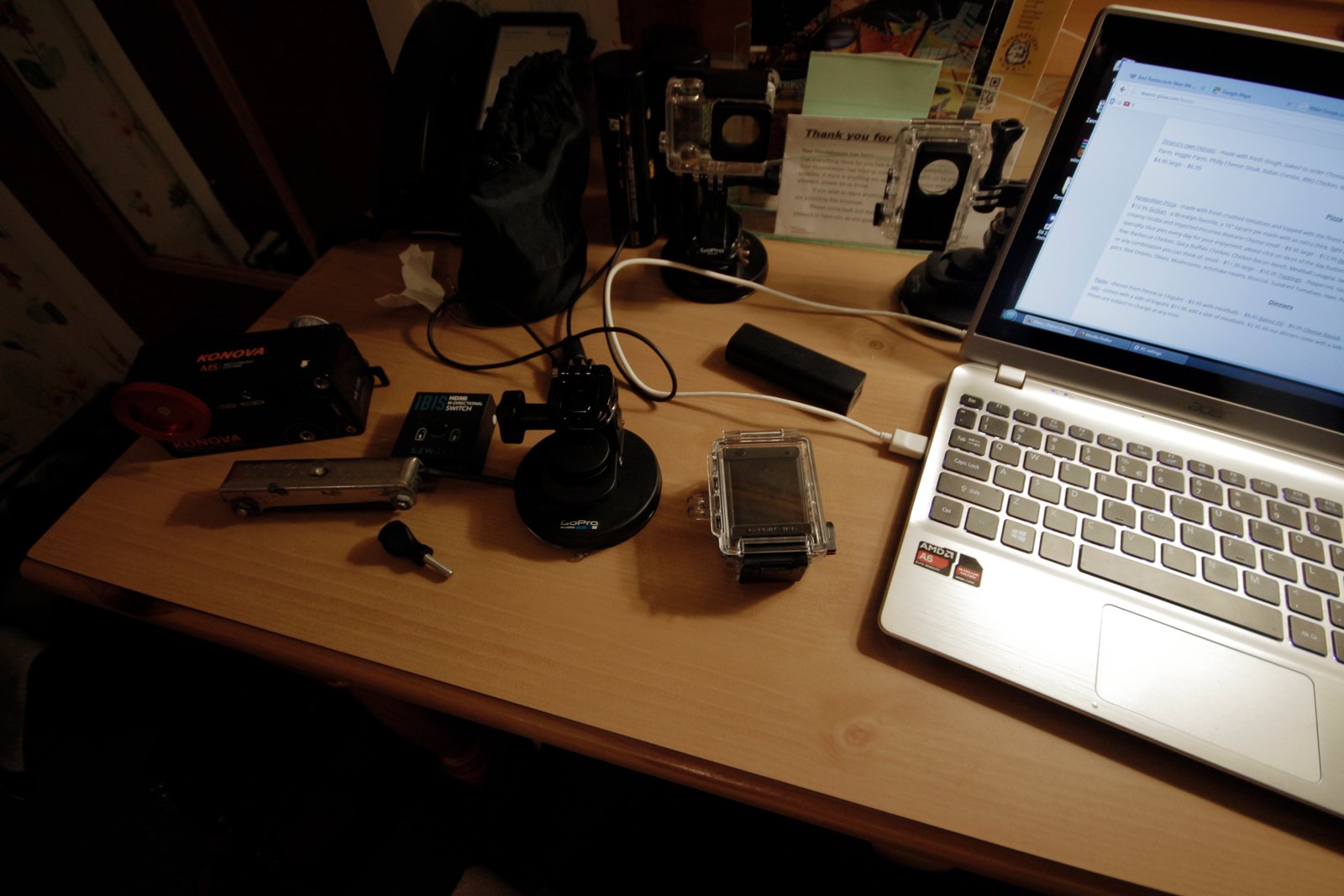
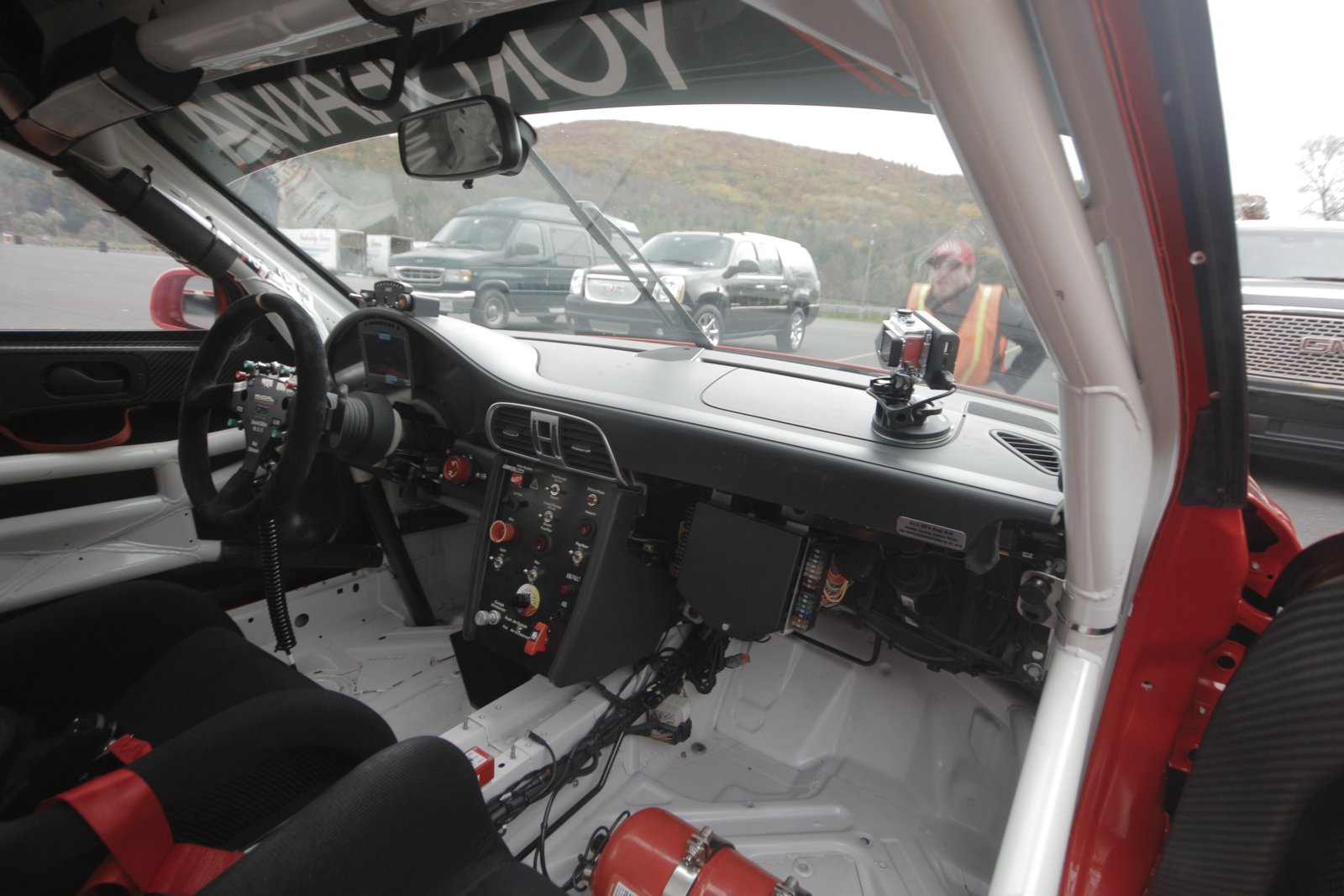
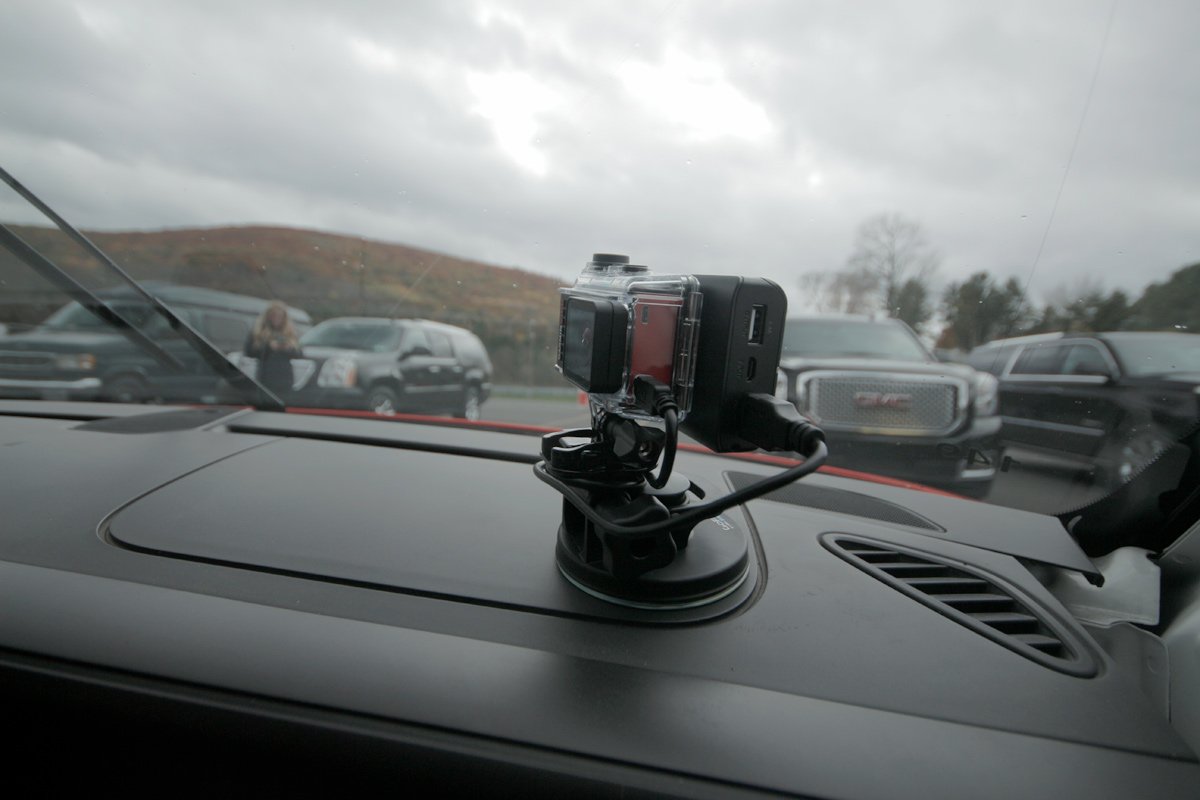
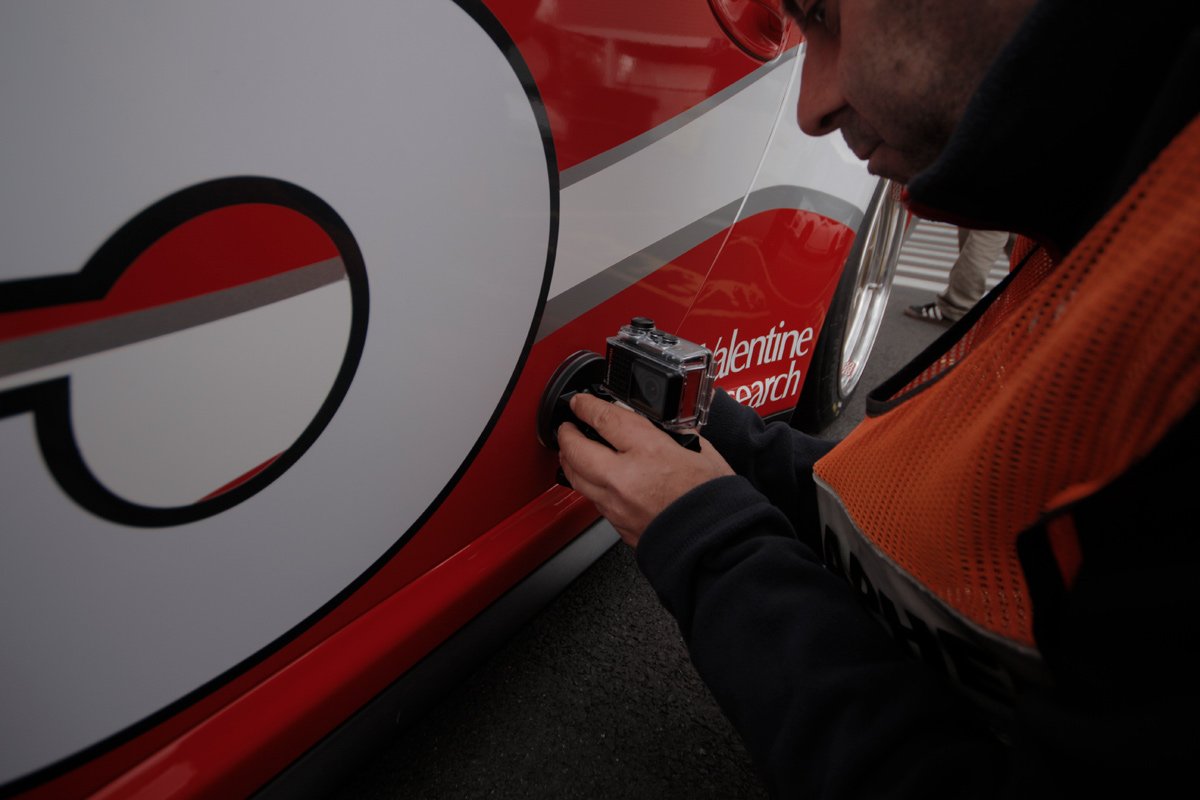
For closer views of the cars in action we used five separate action cameras. There were three GoPros and 2 Garmin VIRBs. We had five suction cup setups, with external USB battery banks to power them. This requires using a Dremel to cut small holes in the cases for the USB power cables, and some heavy load double sided tape to mount the battery banks. We had over a dozen battery banks in order to make sure we could keep powering the cameras throughout the day as needed. The cars would be going up to 180MPH potentially!
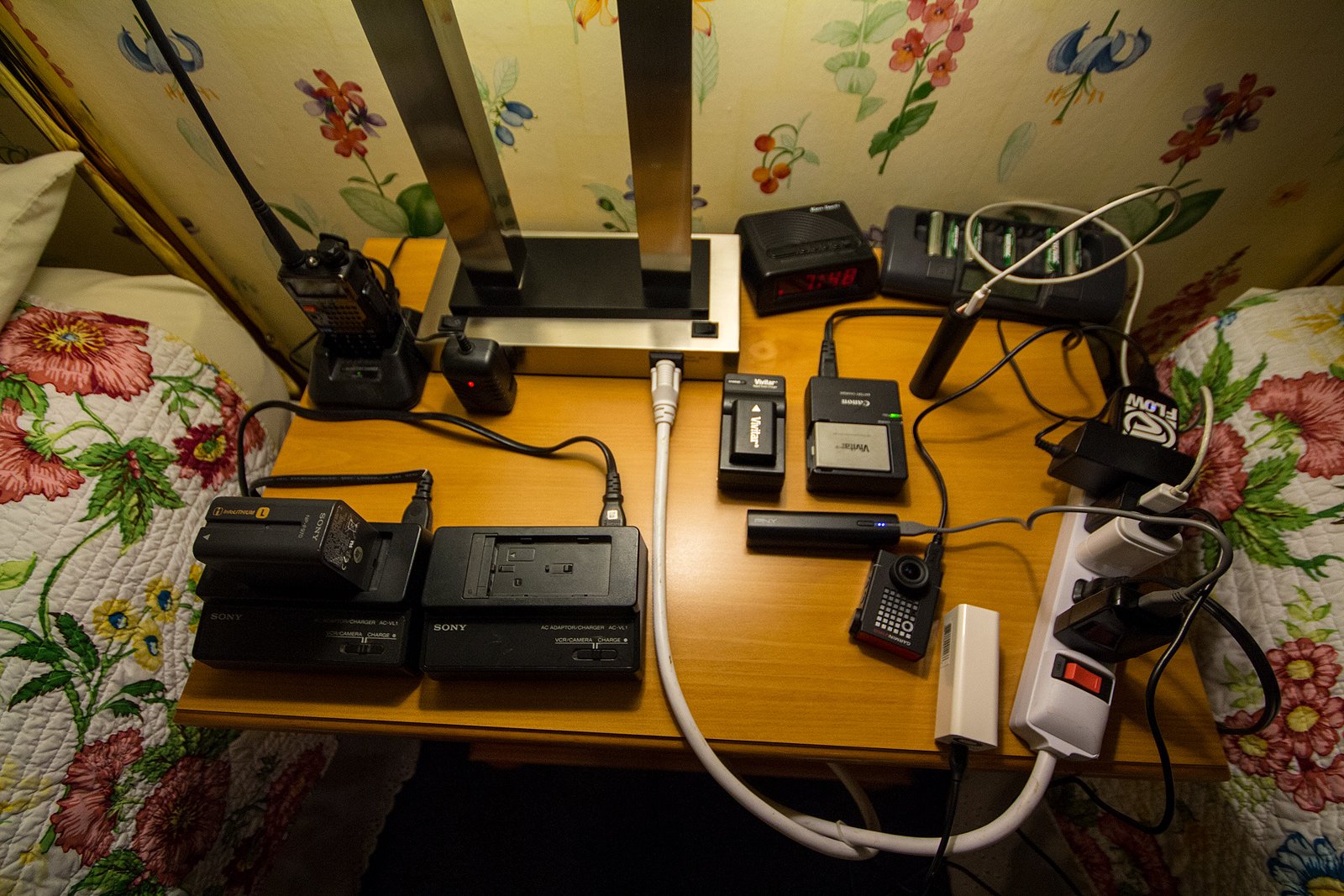
On top of the FS700/7Q+, A6300/gimbal and 5 action cameras, we also had a Sony FS100 as a third ground camera and a Phantom 2.7k for aerial shots. We had over 30 batteries in total. We ended up maxing out all the power strips we brought and plugs in the hotel room.
For grip gear and lighting, there wasn’t much that we needed so I brought my own 12′ dolly track, a 6′ jib crane, and a three point florescent light kit.
PRODUCTION
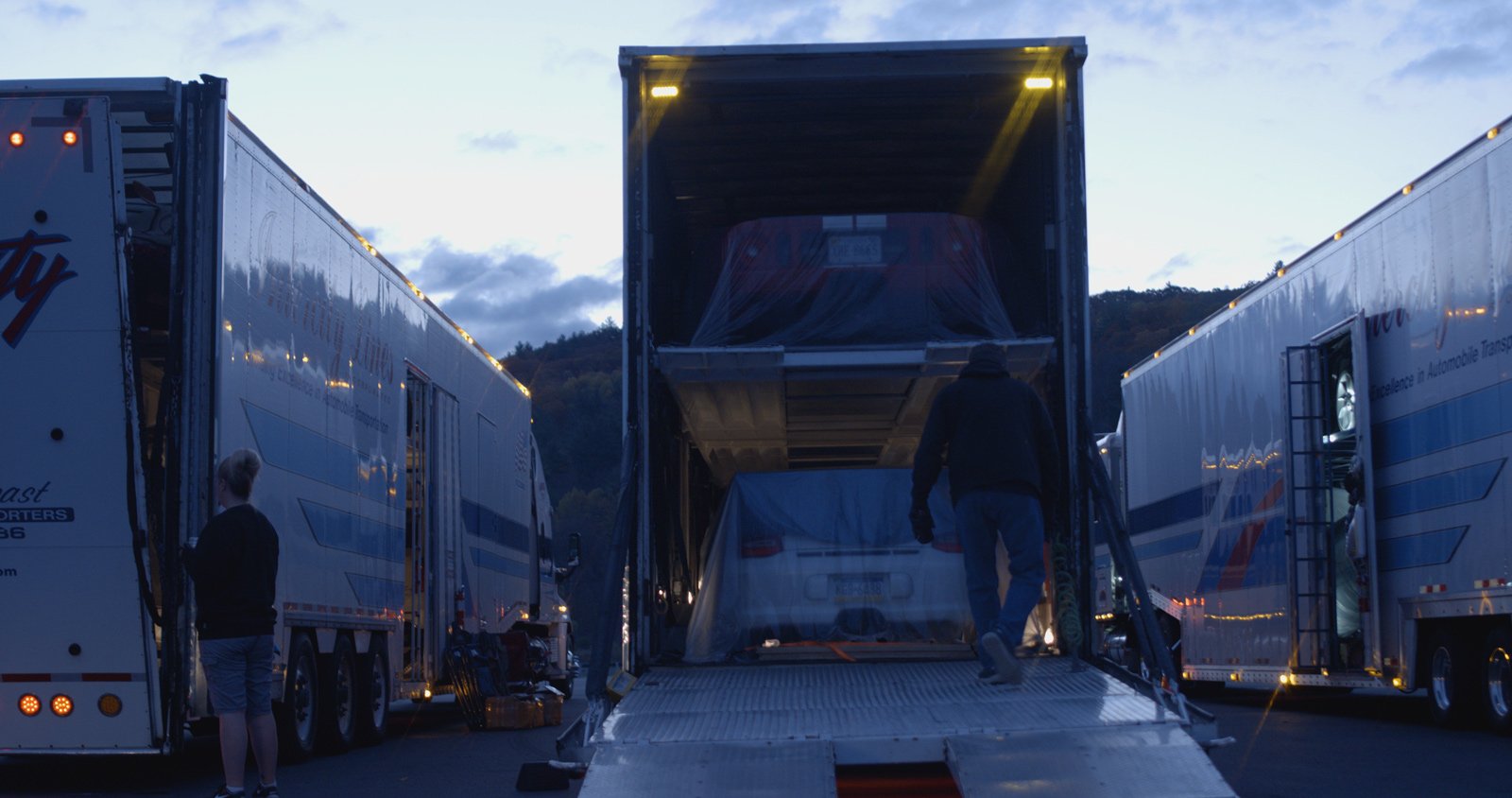
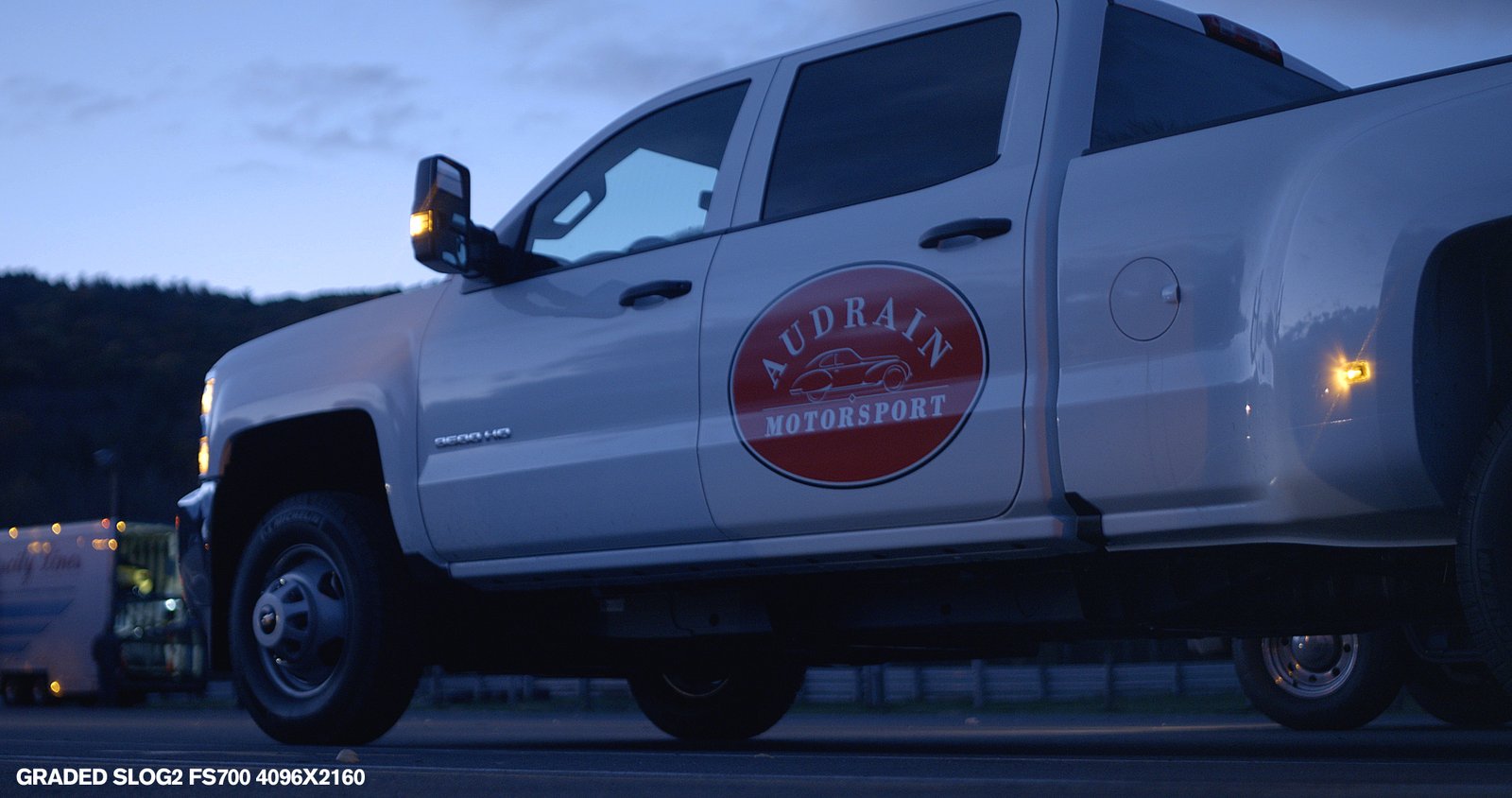
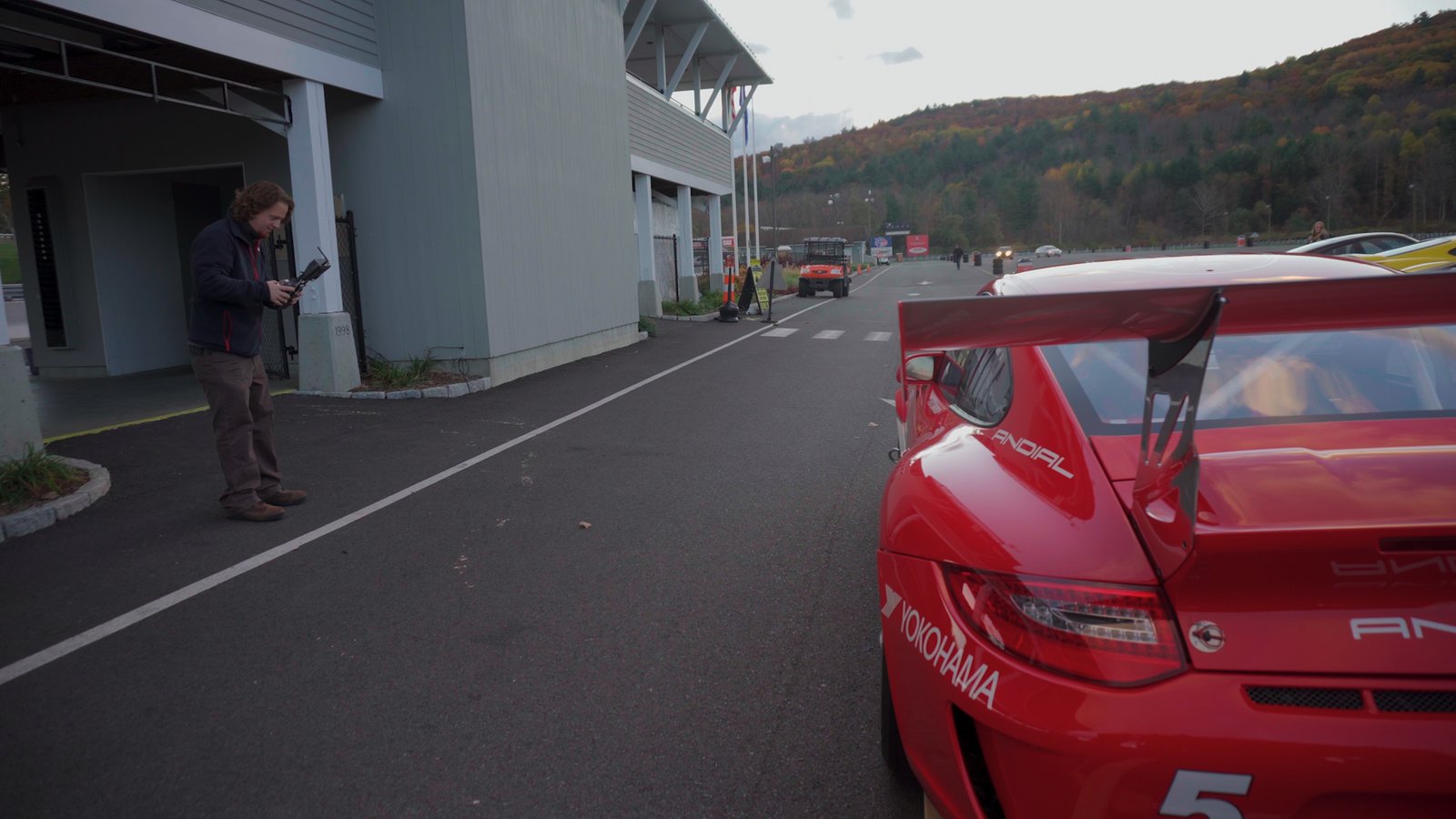
We began the day at 5:30AM, and headed out to the track. I wanted to try and capture as much of the whole day as possible, so I was rolling with the FS700 even in almost complete darkness, well before sunrise. Audrain had several large hired cargo trucks and their own trailer for the Aldine built Porsche Cup race car.
Going hand held with the FS700/7Q+ combo was actually easy to maneuver and keep steady, with the top grip and significant weight. Monitoring with the large, bright 7Q+ screen was awesome, and the camera performed well at it’s native gain equivalent to ISO2000 in slog2. I also set the A6300 to slog2 as well to make matching shots in post easier, although the A6300 does give you the option for slog3.
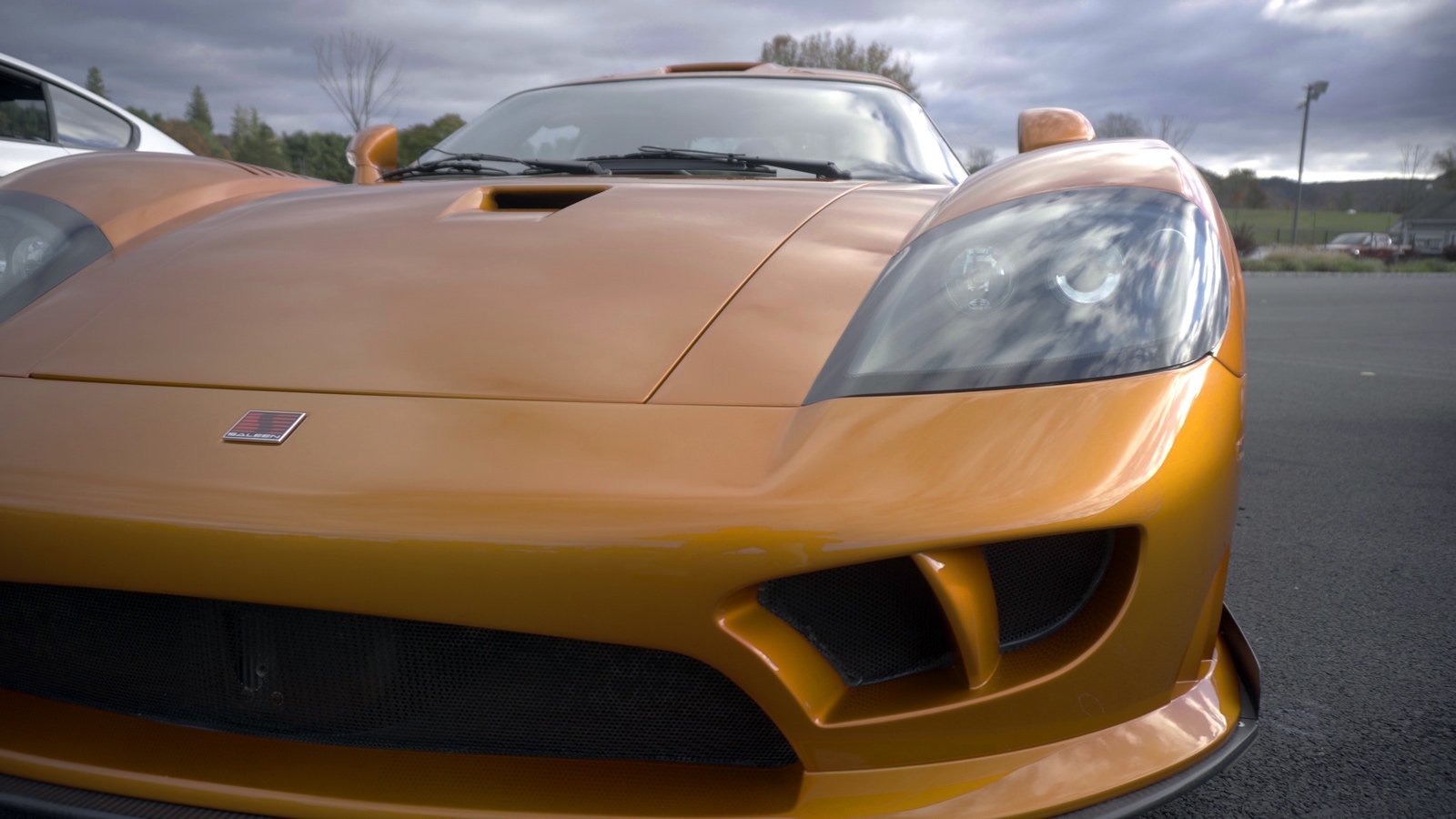
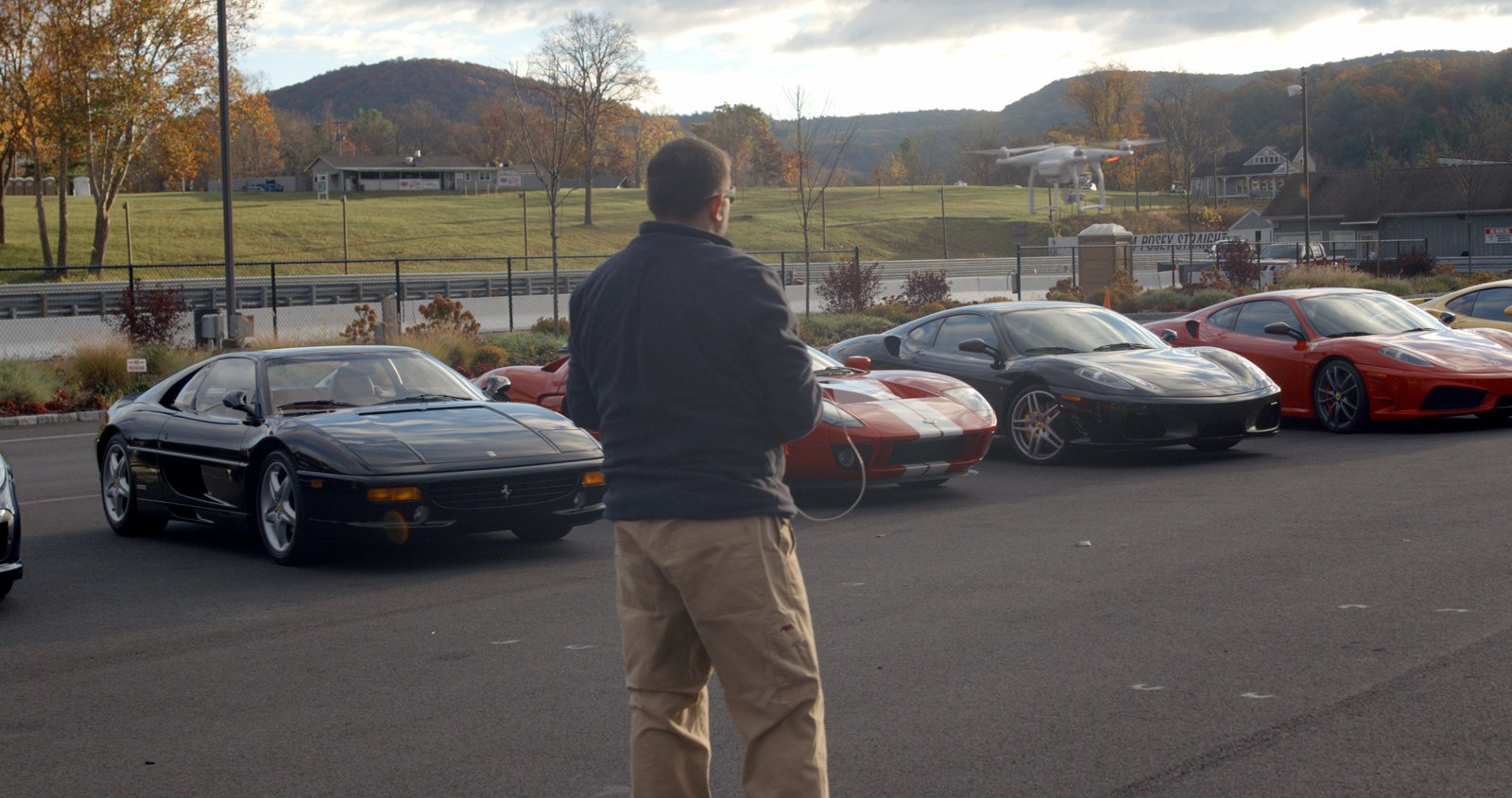
We shot as much as we could of the cars being unloaded, positioned and cleaned. Once all of the cars were parked, this was our opportunity to have control over the vehicles and get close-ups, etc of each one. Once the day started, the cars would be shifted on and off the track and put to use, so I knew this was our one chance to really capture close up and detail shots of the vehicles. Things were pretty frantic paced, with mechanics working on the Cup race car, as well as people generally buzzing around getting the cars ready. We moved over to the A6300 / gimbal setup for these shots, and the A6300 performed very well. We were able to quickly get wide, medium, and detail close up shots of the exteriors and interiors with this setup. There were 19 cars present, so that gave us less than 1.5 hours to shoot all of the vehicles, and get aerial footage of them parked as well! That’s 4.7 minutes per car!
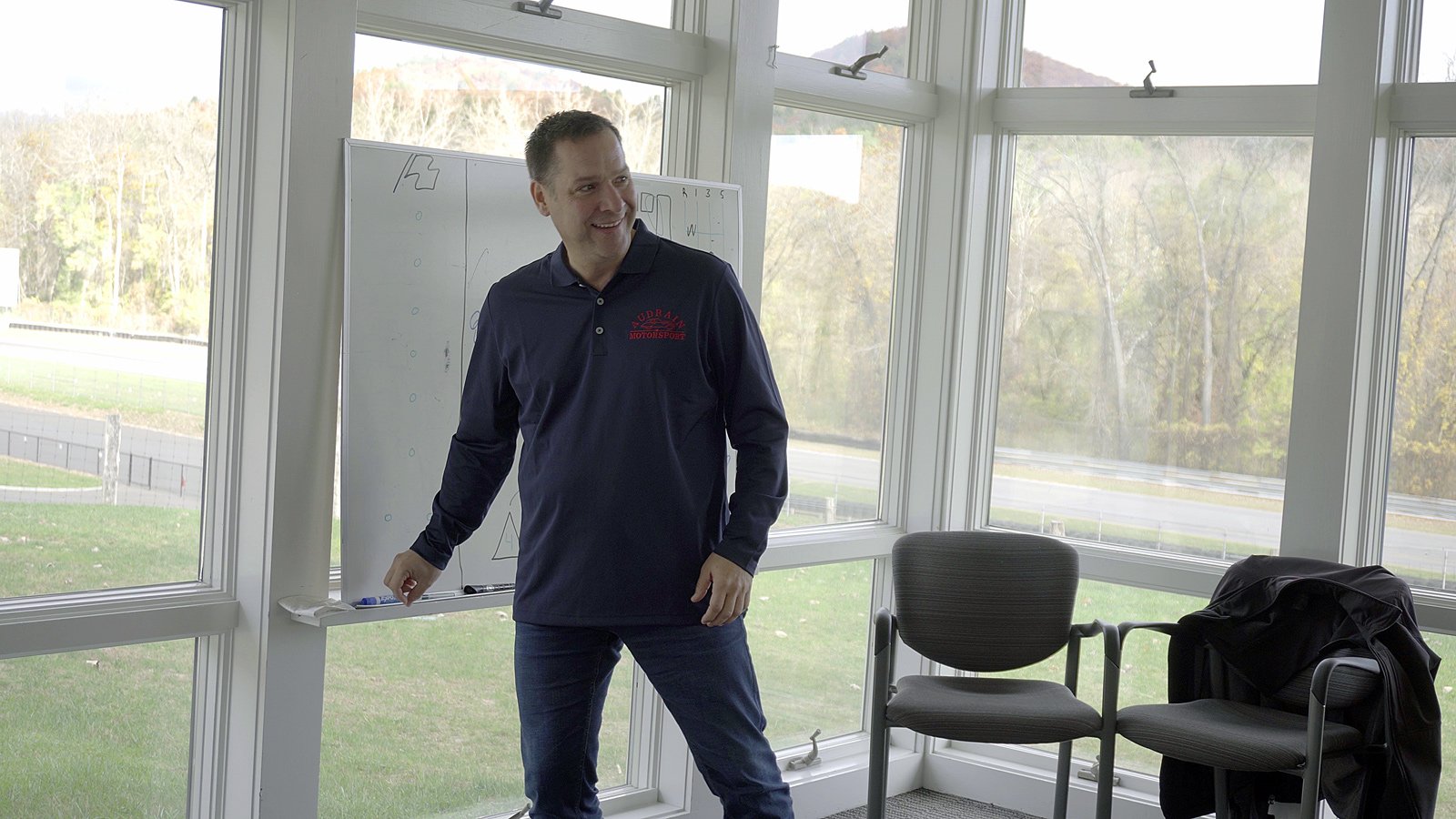
Once we wrapped up the A6300 shots, the aerial operator switched over and started getting some footage of the cars parked while I went up to the track clubhouse where they were getting the drivers acclimated to track driving, and explaining the various aspects of driving a 500+ horsepower vehicle capable of going in excess of 200MPH. For these classroom shots we went with the FS700 shooting 4k at 60p in ProRes, with the A6300 as a B camera. Once the aerial operator finished up, he came over to the clubhouse and operated the second camera. Once we got sufficient footage of the instructors and drivers, we drove back down to the main concourse and started to get setup for the track shots. We scouted several locations on the track earlier, and knew roughly where we wanted to be setup on the track. Some of the particular challenges of shooting on an active race track include being limited in where you can move, as you have to always be behind the safety partitions. Also, you need permission from the corner station to cross the track in order to get different angles of the vehicles approaching turns. Also, the track itself is just large, so it’s about 1 mile from the main pit on the course, over to the farthest turn.
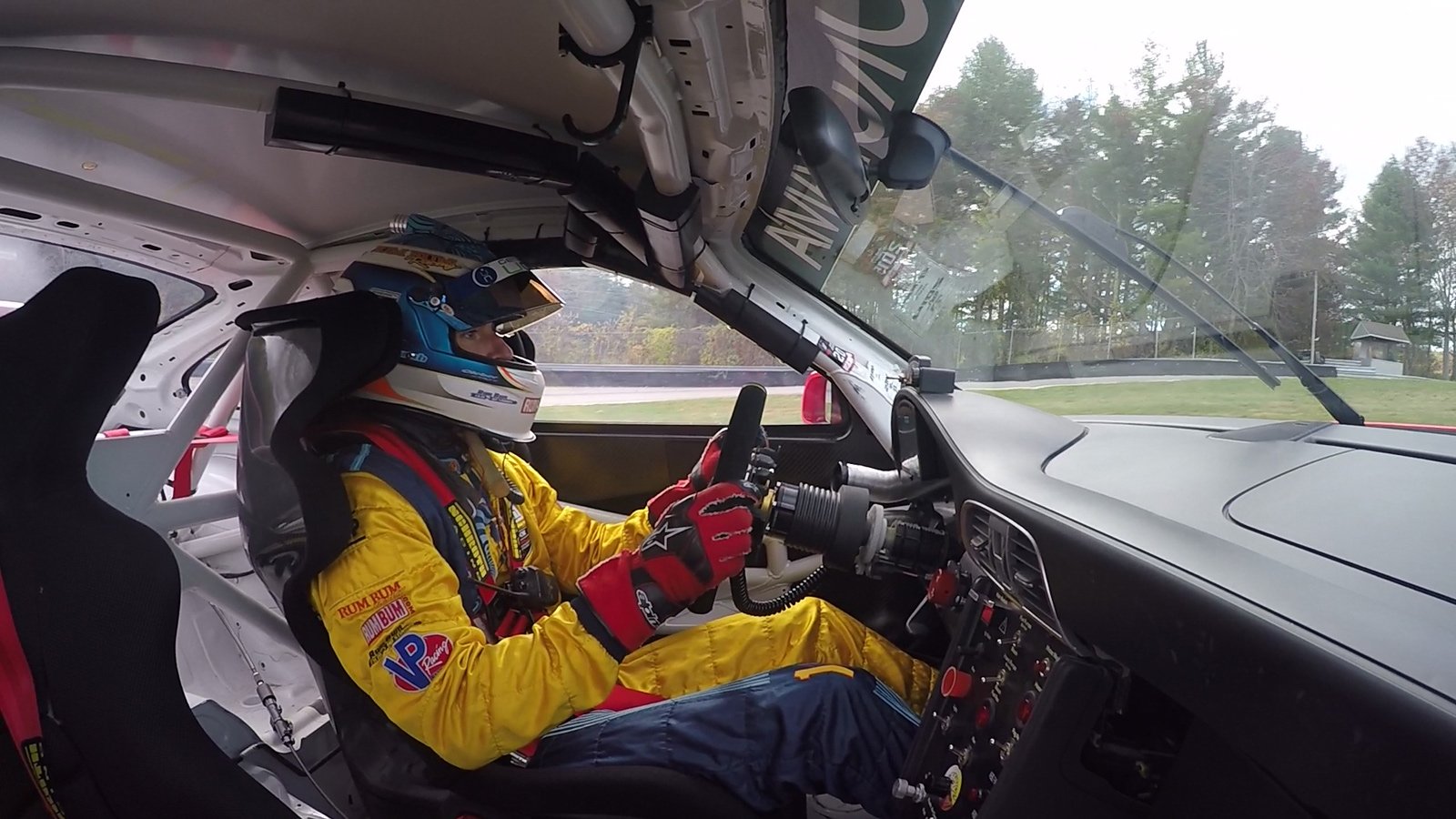
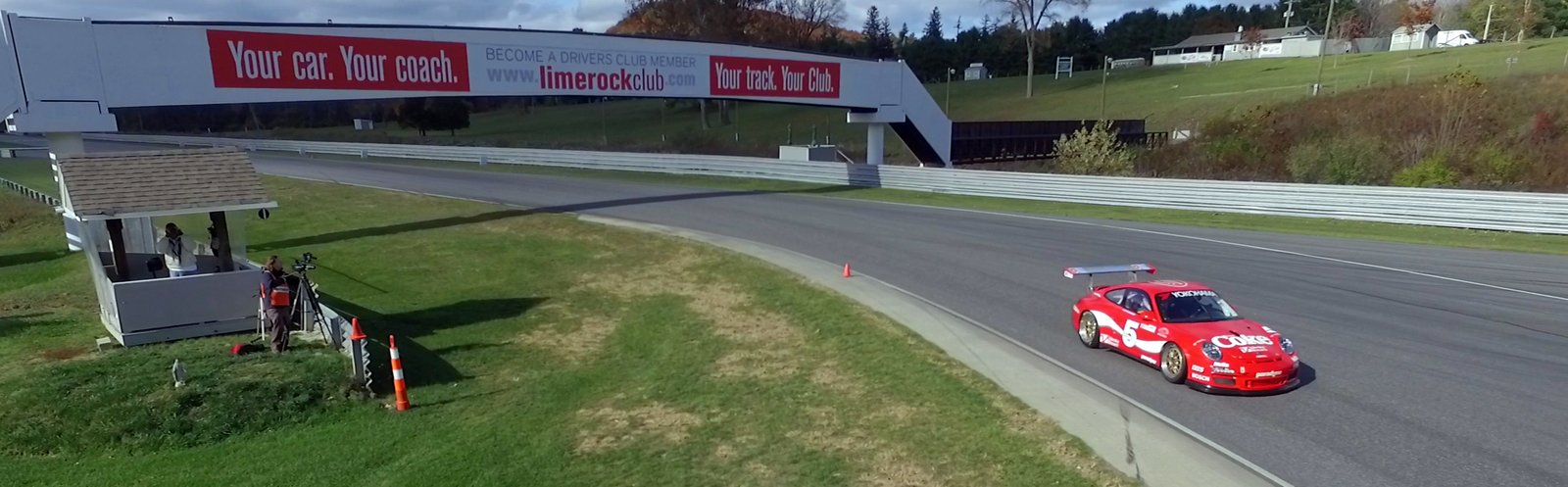
I was operating the FS700 getting 240fps ProRes shots, while the aerial operator was shooting 2.7k at 30fps on our Phantom from above. Once we covered a significant number of angles from the far section of the track, we headed back to the main pit area to regroup and get the action cameras setup. We positioned the cameras on the Porsche Cup car initially, and then moved them through a variety of different cars, including interior shots, rear facing shots, and low angle shots of the wheel wells.
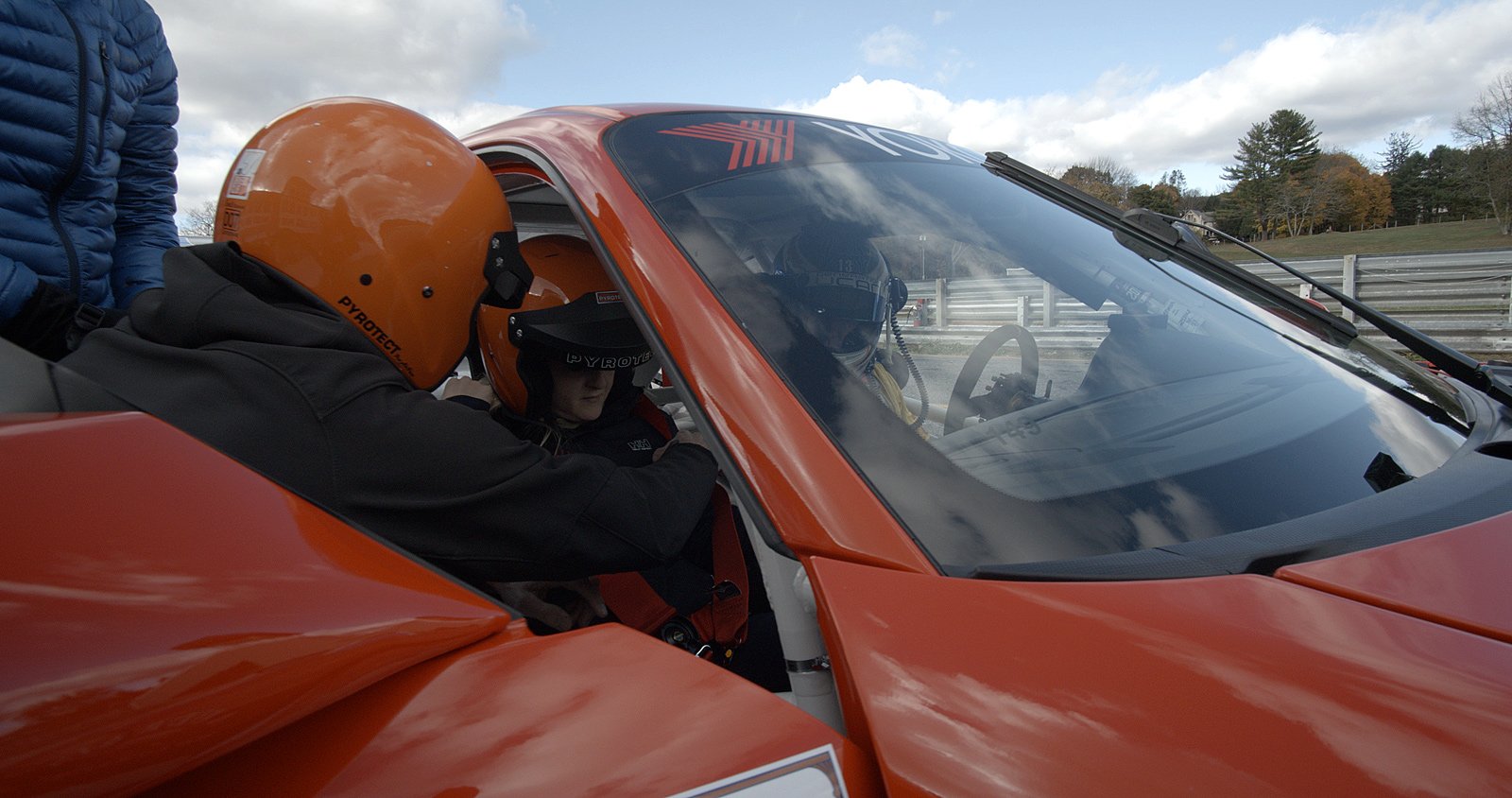
We also hopped back on the A6300 / gimbal to get some footage of the pit area, and the drivers getting in and out of the cars. We knew it was important to capture the experience of being on the track and around these cars, so we wanted to make sure we got lots of footage of people engaging with the cars. I also went hand held through the pit area with the FS700 several times shooting 2k at 240fps. You know when you’ve got a frame rate like that, you’ll always be able to pull lots of usable footage for the edit.
We copied files from the SSDs and SD cards using a Dell gaming laptop with a Core i5, 16GB RAM, an internal 1TB WD Black HDD and an external USB 3.0 HDD dock to read from the 2.5″ SSDs from the Odyssey.
Once we finished up lunch, it was back to shooting different angles with the FS700, acquiring a mix of 4k at 60p, and 2k at 240fps. After a couple of GoPro switches, and shooting at different turns on the course, we essentially finished up our track coverage and I switched over to prep for an interview setup. I knew this would be important to capture some first hand responses and people talking about the experience of the day. Once we wrapped up the last setup, we headed back down to the track again to strike all of our gear and pack-up. We were back on the road headed to get dinner by 5PM.
POST-PRODUCTION
Post began quickly after the shoot date, as I always like to pull my select good shots into a timeline as soon as possible. I feel this is important as it helps you to be more in the moment of when you were shooting, and the memory of the shoot being fresh helps when creating your usable shot sequence. We had shot 657GB with 807 unique files in 196 folders.
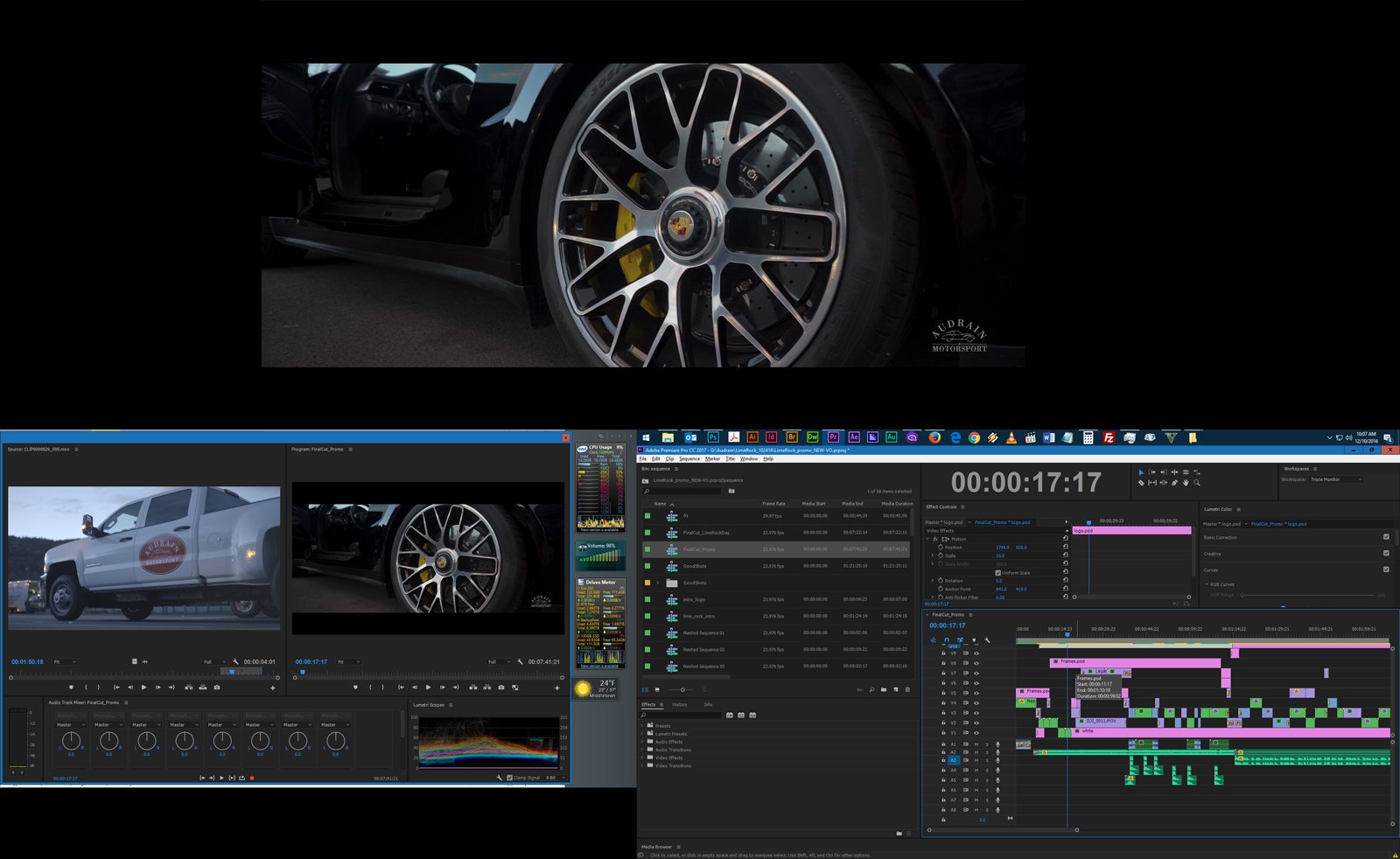
The project was cut with Premiere Pro, and the video was to have a roughly 7min length. I started the edit with some customized motion graphics to introduce the Audrain brand, including some elements from Lens Distortions, including their 4k Fog pack. I find having assets like the ones from Lens Distortions available to you in post is invaluable to creating a dynamic, engaging edit. They allow you to create more rich textures than you’d typically be able to on a shoot and are also great for avoiding boring, repetitive transitions. I also utilized some custom made gradient transitions to use with the Track Matte Key effect, in order to create dissolves that start in one corner and expand diagonally for example, as opposed to the standard Film/Cross Dissolve.
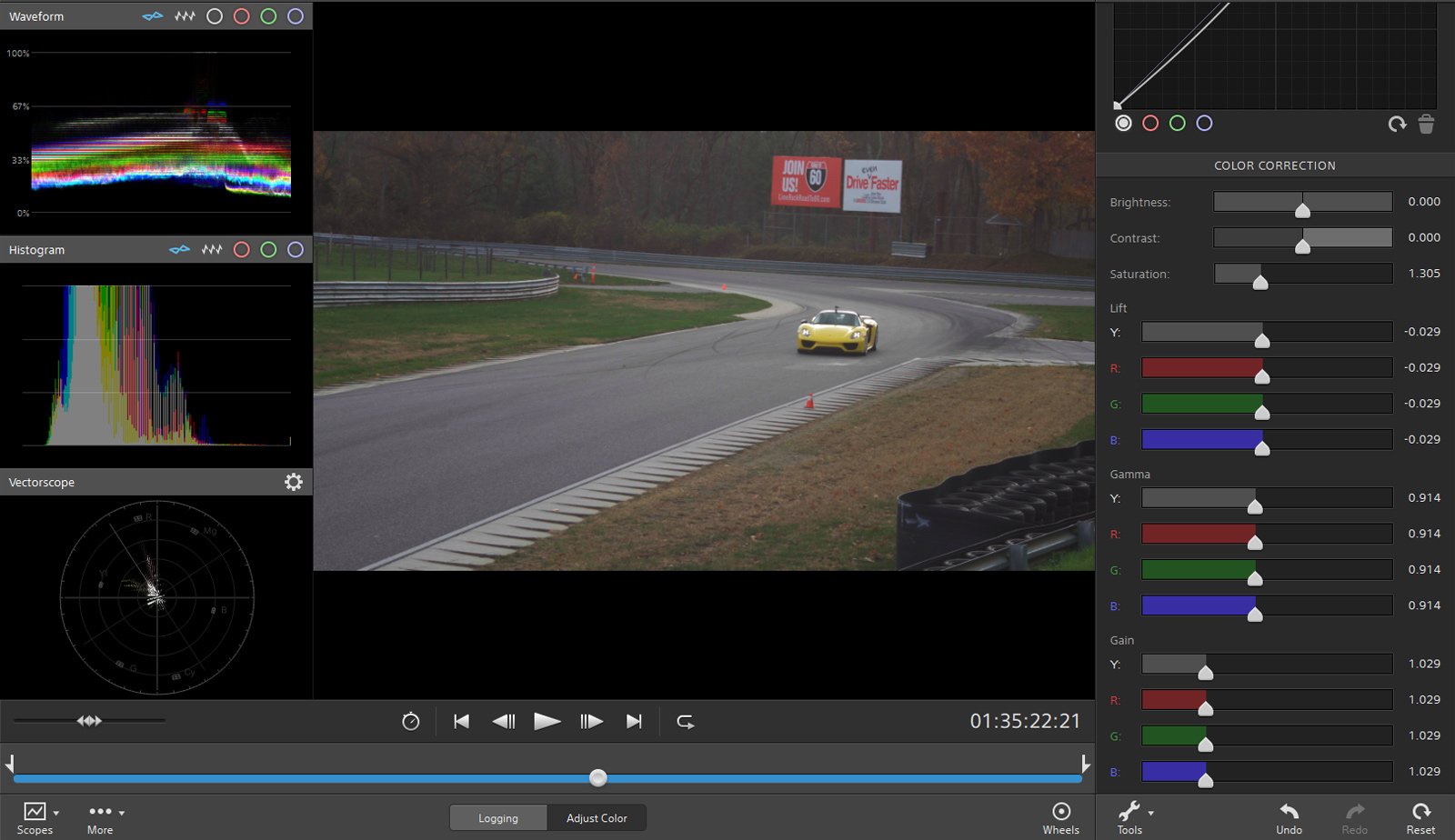
The footage was colored using Sony Catalyst software, and I created scene LUTs which were then applied within Premiere using Lumetri. Final adjustments were made in Lumetri as needed, including minor masking and selective color adjustments. I really like the look that’s created by using the Catalyst software, and their LOG to Hypergamma conversion (HG8009G33). It allows some headroom for further correction down the line, or you can leave it as is for a somewhat reduced contrast look.
I sourced the music from a variety of places, including some stuff from AudioBlocks I already had downloaded, as well as new tracks from Audio Jungle {composer Psyke is awesome}.